
Split Card
Split Card layout divides your blurb into an image half and a content half, making it easy to showcase services, events, or offers side by side.
 -20%
-20%Beachfront Resort Escape
Seven nights by the ocean with private cabanas, sunset dinners and a spa day included. Handpicked rooms, steps from the sand.
Image on the Left or the Right
Use Image Side to place the image before or after the content. Mix both in the same row for a zig-zag look.
 4.9 ★
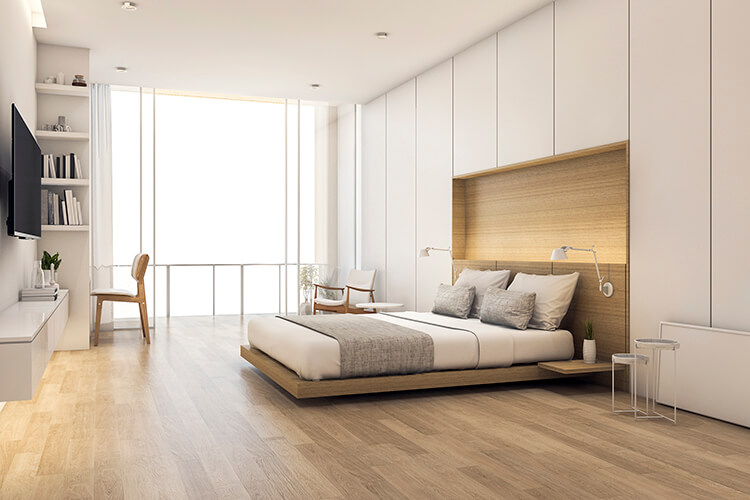
4.9 ★Luxury Suite
A spacious suite with a king bed, city views and breakfast served in your room.
 New
NewGarden Suite
Soft linens, natural light and a quiet garden view for slow mornings.
Control the Image Width
Image Width is responsive, so you can give the image more room on desktop and less on tablets. These cards use 30%, 40% and 60%.

Weekly Design Newsletter
One email every Friday with the best design articles, free resources and tutorials. No spam, unsubscribe any time.

Flower Workshop
Build seasonal bouquets with a local florist.
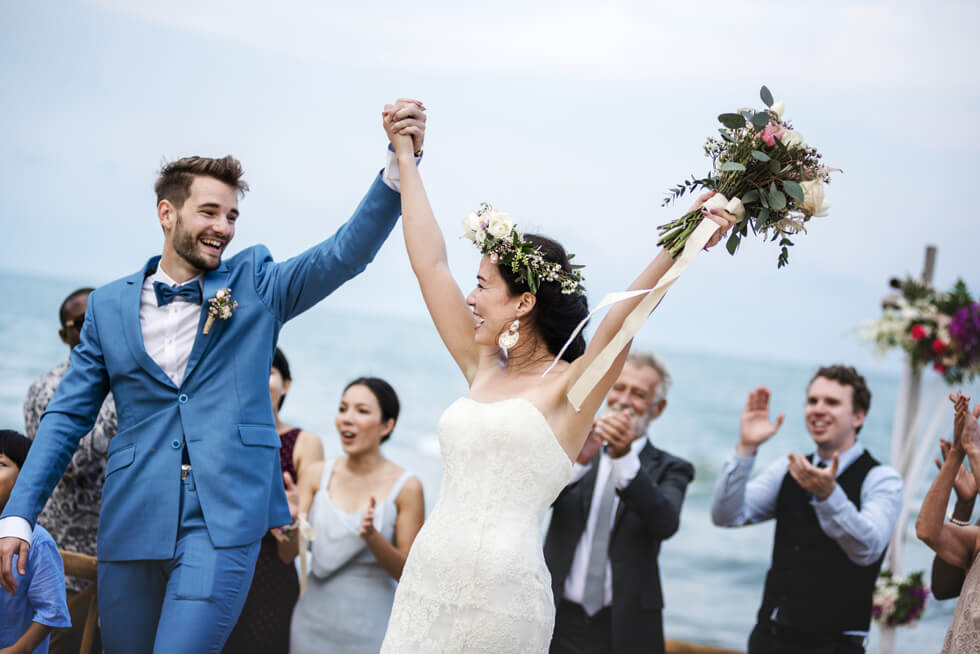
Weddings
Natural, candid photos of your day.
Add an Icon or a Small Image
Next to the side image you can show an icon or a small image. Icons can sit in a square, circle or hexagon shape with an optional border. Each one can use its own entrance animation.

Same-Day Delivery
Fresh bouquets delivered to your door the same day.

Secure Payments
Every payment is encrypted and fully protected.

24/7 Support
Real people ready to help, day or night.
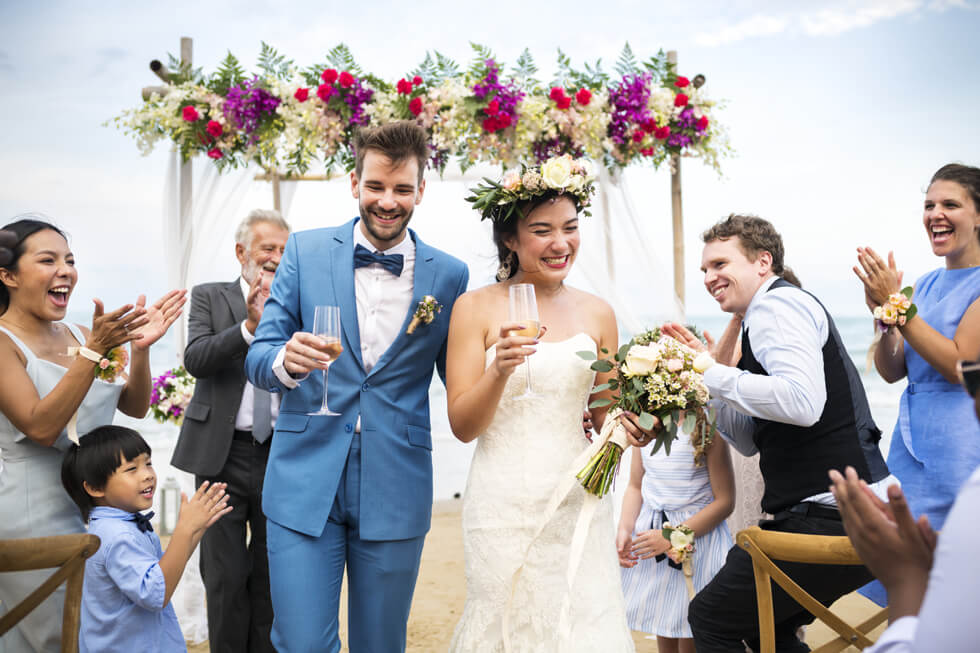

Meet Your Planner
Anna has planned more than 300 weddings across Europe.
Animated Background Shapes
Add a decorative shape behind the content. Drift, Breathe and Ripple loop all the time with 15 shapes to pick from. Expand and Wash play on hover. Corner, size, offset, rotation, speed and color can all be changed.

Drift · Dots
A dot pattern that drifts slowly in the top right corner.

Breathe · Blob
A soft blob that grows and shrinks in the bottom right.

Ripple · Ring
Rings ripple out from the top left corner.

Ripple · Hexagon
A rotated hexagon ripples in the bottom left.

Expand
Hover to expand a circle that fills the card.

Wash
Hover to wash a color across the whole card.
Nine Hover Animations
Pick one of nine hover animations and set its level, direction and speed. You can also change the title, text, icon, button and content background colors on hover, with or without an animation.
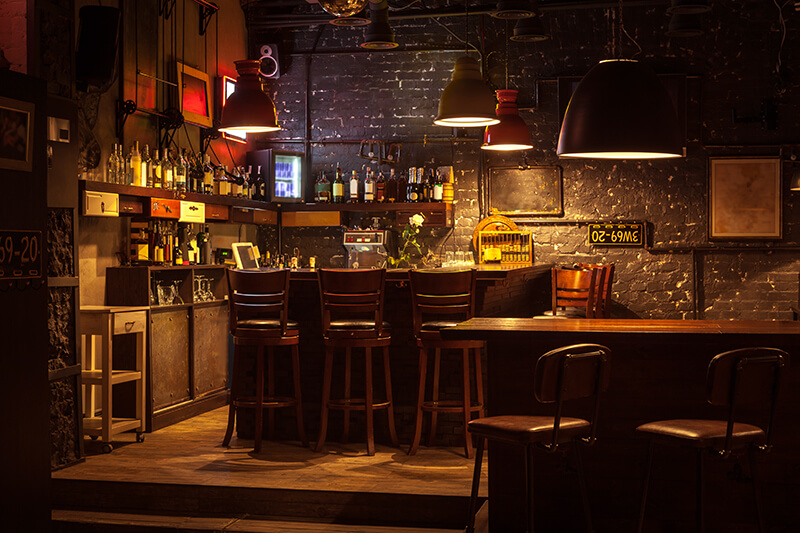
Grow
The card scales up smoothly on hover. Level 5%.
Shrink
The card scales down slightly on hover. Level 3%.

Float
The card lifts up 12px on hover.
Bounce
A short, playful bounce on hover.
Skew
The card skews 4° to the left.
Rotate
The card rotates 2° to the right.
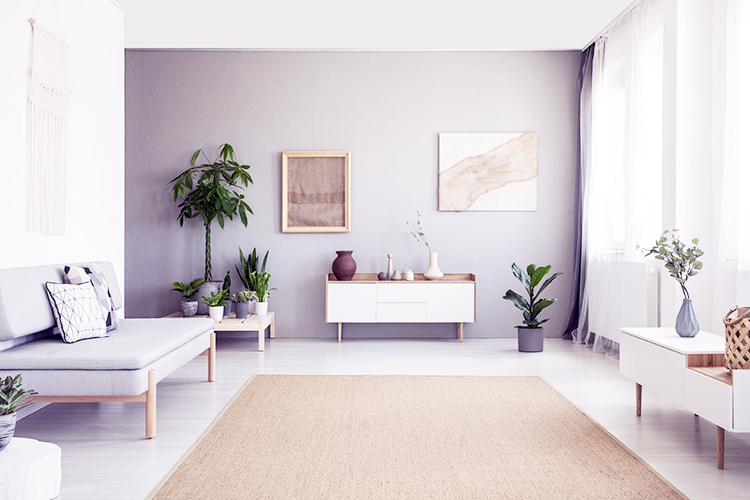
Pulse
The card pulses at 3% scale.

Wobble
The card wobbles 3° starting to the right.
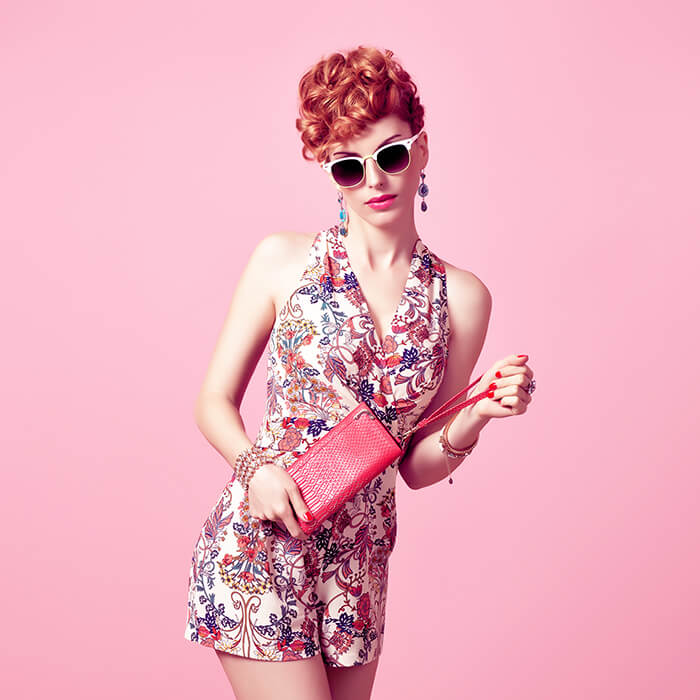
Tilt (3D)
The card tilts toward the mouse pointer. Max angle 8°.
Hover Colors Only
No animation. The content background, title, text and button change color on hover.