
Panel Card
Panel Card layout places blurb content on a clean panel with smooth hover animations.
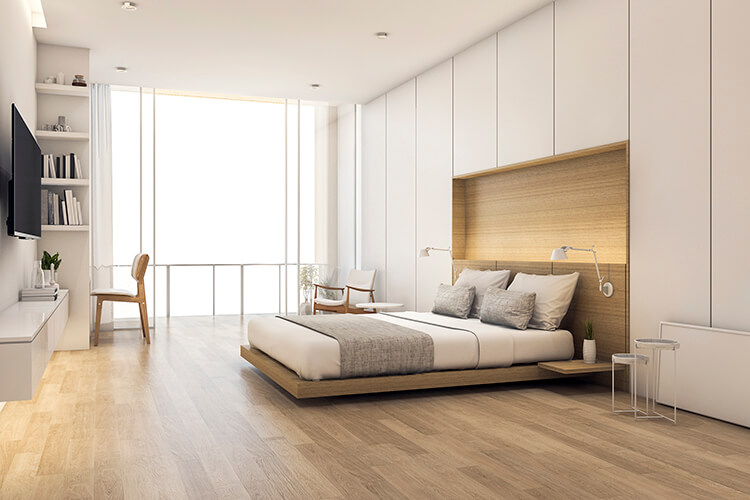 $189
$189Deluxe Room
A bright room with a king bed, rain shower and a private balcony.
 $249
$249Beach Resort
Loungers and cabanas just steps from the sand.
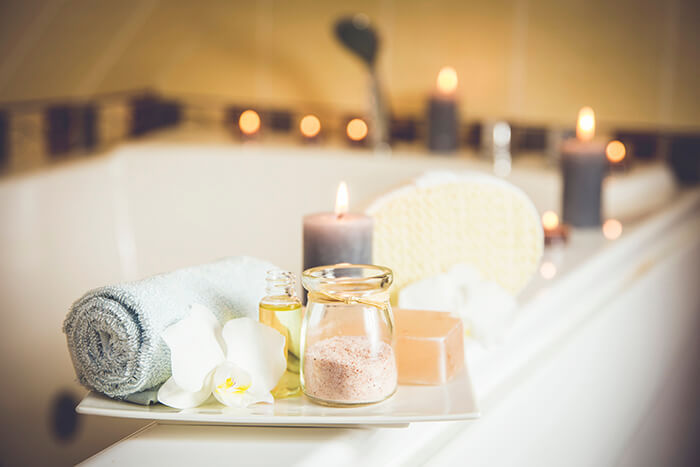 $99
$99Spa & Wellness
Massages, aromatherapy and a calm space to unwind.
Control the Overlap and Spacing
Content Overlap sets how far the panel rises over the image, Content Side Spacing sets its inset from the edges, and Image Height sets the height of the photo. All three are responsive.
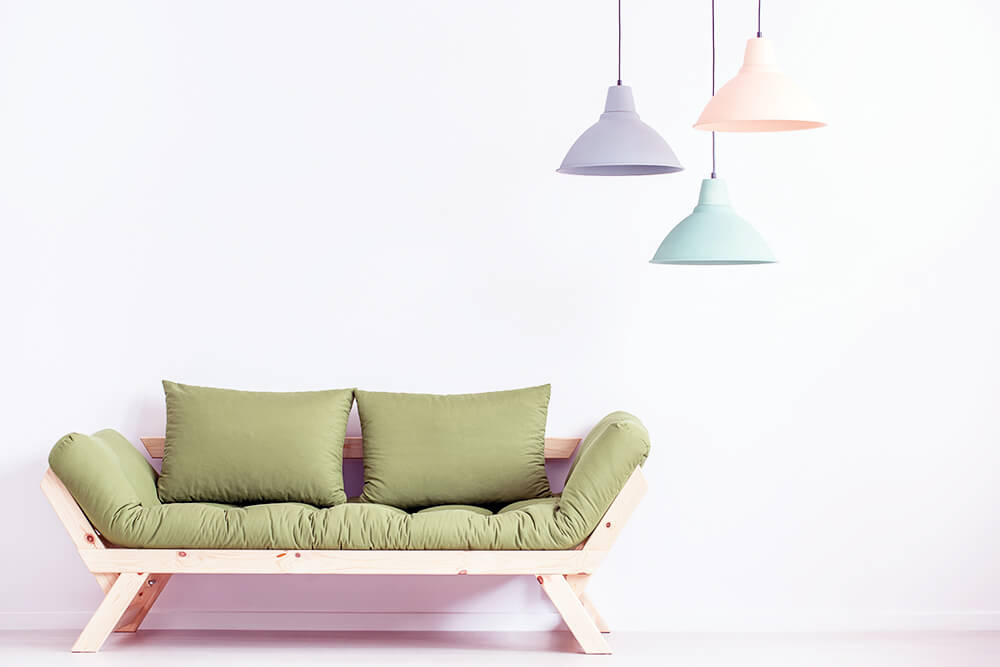
No Overlap
Overlap 0 and side spacing 0 turn the panel into a classic stacked card.
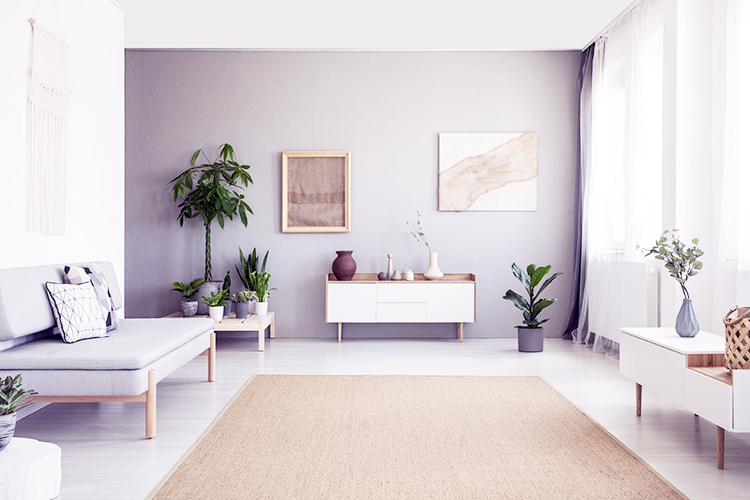
Default Panel
The default panel overlaps the image by 60px and is inset 24px from each side.

Deep Overlap
A taller image with a 140px overlap and a 40px side inset for an editorial look.
Style the Panel Your Way
The floating panel has its own padding, border, rounded corners and box shadow, and the content background color fills the panel. These cards use light tints with a matching colored shadow.

Analytics
Clear reports that help you decide faster.

Marketing
Campaigns that reach the right people.

Growth
Plans that scale as your business grows.

Design
Interfaces people enjoy using every day.
Icons, Shapes and Alignment
Show an icon or a small image inside the panel. Icons can sit in a square, circle or hexagon shape with an optional border, and every card can use its own entrance animation and text alignment.
 Free
FreeFresh Flowers
Hand-tied bouquets, delivered free on orders over $50.
 SSL
SSLSecure Checkout
256-bit encryption keeps every payment safe.
 Gift
GiftGift Cards
Send a gift card in any amount, instantly.
Meet Sarah
Lead interior designer with more than 10 years of experience.
Weekly Podcast
New episodes with industry experts every Monday.

Read the Guide
A step-by-step guide to planning your first trip.
Animated Shapes Inside the Panel
In Panel Card the animated shape lives inside the floating panel, so the image always stays clear. Drift, Breathe and Ripple loop all the time, and Expand and Wash play on hover.

Drift · Grid
A soft grid pattern drifts slowly in the top right corner.

Breathe · Star
A rotated star breathes in and out in the bottom corner.

Ripple · Diamond
Diamond shapes ripple out softly from the top left corner.

Drift · Lines
Diagonal lines drift slowly across the bottom left corner.

Expand
Hover to expand a soft circle across the whole panel.

Wash
Hover to wash a soft color across the whole panel.
Nine Hover Animations
Each card plays one of the nine hover animations. Grow, Shrink and Pulse use a scale level, Float and Bounce use a distance, Skew, Rotate and Wobble use an angle and a direction, and Tilt follows the mouse.

Grow
Grows by 6%.
Shrink
Shrinks by 4%.
Pulse
Pulses at 4% scale.

Float
Floats up by 14px.

Bounce
Bounces up by 12px.
Skew
Skews 4° to the right.

Rotate
Rotates 3° to the right.

Wobble
Wobbles 4° starting left.

Tilt + Hover Colors
Tilts toward the mouse, and the panel, title and text change color.